






Works with Claude
Ask it. Don't go and look.
Connect Tracc to Claude and ask about your shelves the way you'd ask a person. Claude works the inventory directly over the Model Context Protocol — the same operations you get in the app, with the record to match.
Do we have any 8 mm bearings, and where are they?
Two. REV-41-1329 Through Bore Bearing — 12 of them in Drawer B3, and 4 more in the Doserbot assembly build. Both have a STEP file attached.
Cut 1.7 m off the 4 mm tubing for the intake and put it in Friday's build list.
Done. Roll A has 2,300 mm left, and the offcut is on the record.
Files
The model comes with the part
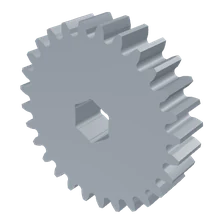
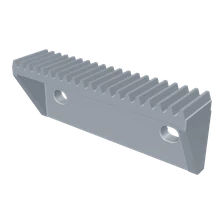
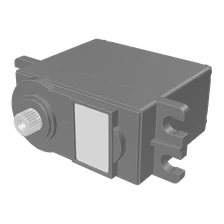
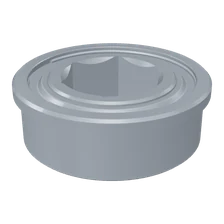
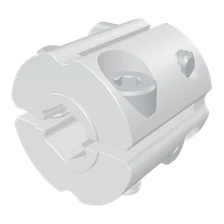
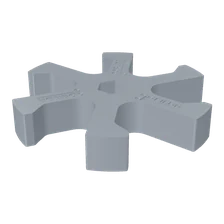
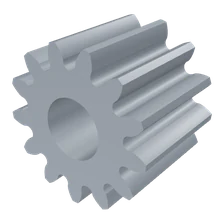
STEP, STL, 3MF, IGES and PLY open in the page without downloading anything, and come back out in the format they went in — ready for CAD or the printer.
- Zipped exports, opened. goBILDA ships STEP inside a zip. Tracc looks inside and shows the model anyway.
- The source stays attached. An Onshape or Printables link lives on the item.
- Drawings too. A DXF renders to a vector you can read right on the item.
Counting
It counts the way the shop counts
Most things are counted. Some are measured — tubing by the millimetre, solder by the gram, resin by the millilitre. Cut a length off a roll and the offcut is recorded, because it's still worth something.
- Search that forgives. Part numbers, brands, the words on the bag — and a typo doesn't hide the answer.
- Build lists that fill themselves in. What's missing is worked out from what's actually in the box.
- Who has it out. The bracket that went home in somebody's bag has a name against it.
Nearby
Find it in your city
The part you need at nine o'clock tonight is often three miles away, on another team's shelf. Publish the spares you'd lend or give away and they show up for people near you — with the distance rounded to the mile, and nothing else.
- Lend it or give it away. Say which, per item.
- Nobody learns where you are. Not your name, your team, or the building.
- Your shelves stay private. Only what you publish is ever shown.


Getting started
How you start
-
Photograph your shelves
A bin or a bag at a time, on your phone. Drop the batch in — you don't have to name anything yet.
-
Let it read the labels
Part numbers and printed text come off the photo, so an item arrives mostly filled in.
-
Stop looking for things
Search, or just ask. The answer says which bin, how many, and who has one out.
Free for robotics teams
FRC, FTC, FLL, VEX — if you build robots, Tracc is free. No card to enter and nothing to cancel. Add your program and team number when you set up, so we know who you are.